Author(s): Renato Sanchez
Published on Fri Aug 08 2025
Summary: Take an image and convert it into ASCII characters, this was one of my first challenges in my first semester of undergrad and I failed. So I took it up again but 3 years later.
I remember when I was a kid, my fathers bought two drawings made with a typewriter (some kind of irl asci art), a fall and a horse, I really liked it those drawings beacuse the details and wit to create an image from letters wtff. And more recently, I was scrolling on the v.tulv.in gallery (if you don’t know what’s this place, pls take a moment to explore it), and I found this beatiful image:
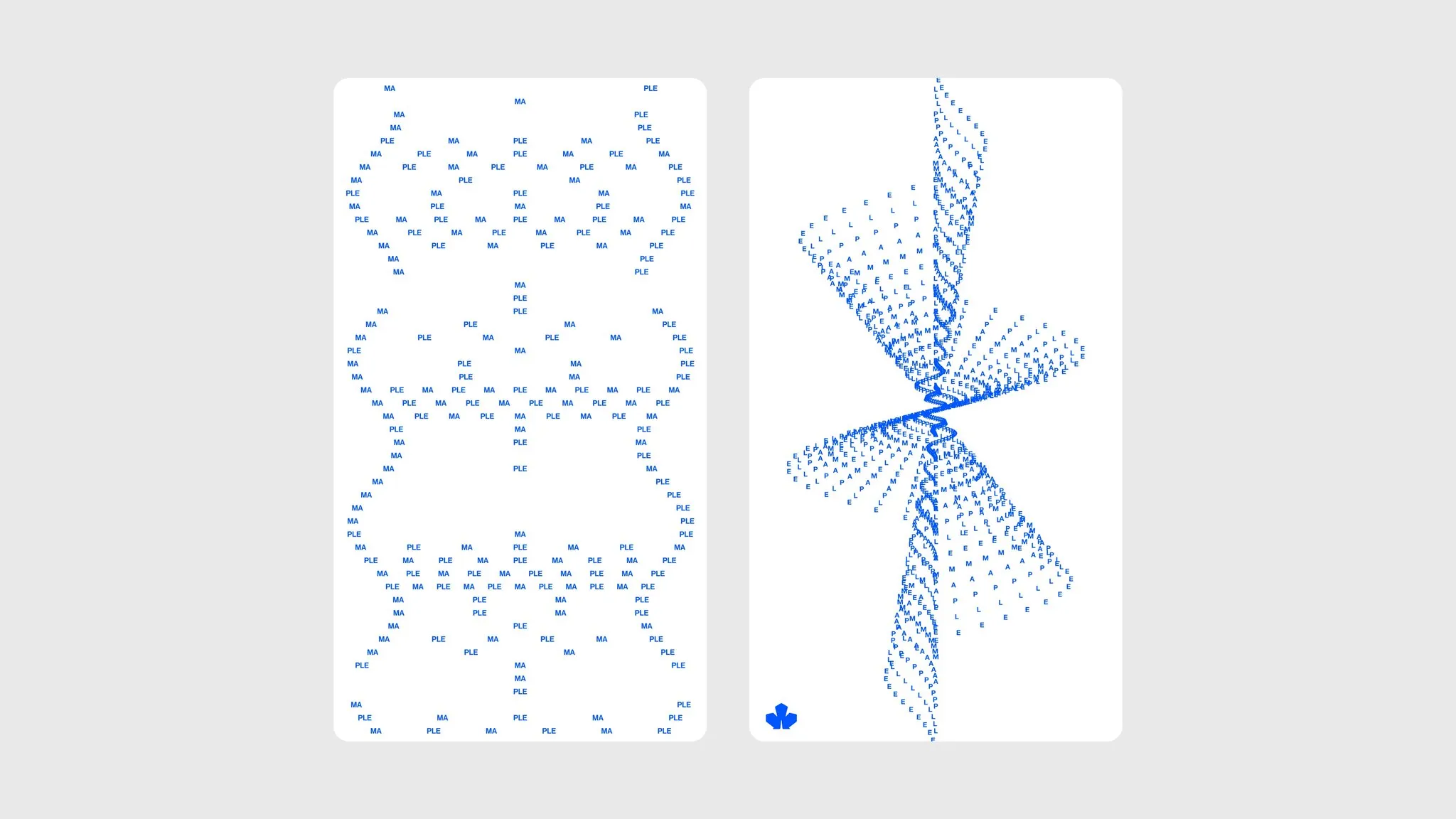
And my curiosiry woke up. So here you are, reading how I build a image to ascii parser from scratch. In add I was looking for an excuse to code in C again and performing a lot of computation was the perfect excuse to make it. So lets go!
Setup the ground
meson is a compiler with too many porpuses, I used it to build and app with GTK4 and it was extremly fast. For this reason I build my project with it. Is too easy to use and I really thanks that beacuse C is very complex to understand. My configuration goes something like this.
Math
The next step is think how to process images to convert them into ascii art, later I’ll explain how to colorize the ascii art. If we create a program that recieve an image we need to understand that image as a 2D array (a matrix) of 3 or 4 values (channels) in PNG images, so we need to scale the image to a m∗n version of the image with lower resolution. This is important because if we create an ascii art per each pixel in the image we’ll get a 10 times bigger image than the original one. That’s why I setted up by default an automatic reduction by 0.6 porcent of the original image size, scale that user can modify before rendering.
Then, once the image was reduced, we need to calculate a unique value for every pixel in the image. For this remember inside each pixel exists 4 values within (R, G, B, Alpha), so in this case I calculate the average of those values: (R+G+B+Alpha)/4. In the case of PNG images we need to check if Alpha value is different of 0 (because transparency). That’s not the value of the color that we’ll use in the final image, this value represents the character that will correspond for that pixel in the following character gradient: render_gradient[] = "$&8WMB@%#*+=-:.' ". This process generates a .txt file with a plain text version of the original image.
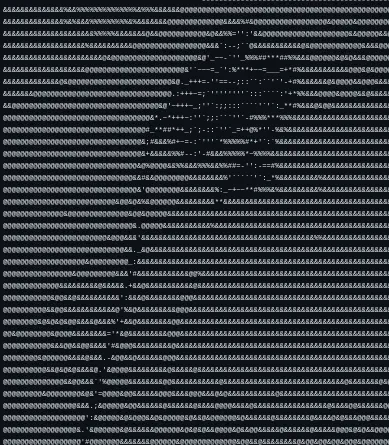
As we see, the result is still in blank, no colors, so we need to save the last values from the pixels that we used to get the last image. This values will be the colors of the characters on the rendered final image. To achieve this I used the STB library, in special it’simage utility.
NOTE: STD library was sooo nice for this project that I really recommend you to use it on more projects, it’s simple and fast to use, a real 10/10.
So after a iterative process over the two products from the last steps (the txt file and an array of representative colors from the image) we got the following result:
 If you are sharp-eyed, maybe already noticed that the characters gradient is different from the one in the first image, that’s why I observed that in some images the first gradient was no visually coherent, so I select a different gradient for rendering. A gradient that could cover more pixeles in the image and help the visualization of colors.
In add I added a TUI (terminal UI) to select others fonts and change the background color. All the code is free in this repository.
UPDATE: Now theres’s a GTK4 version, the latest realese is here.
finals thoughts
My first time coding was with C , back to this powerful programming language was amazing, since every day we got bombed with AI ads and tools, relearn about pointers, memory allocation, basic algorithms and think about the problem by myself showed me about the art of programming.